Skip to content

SAMSON Extensions

51 Topics 284 Posts

Everything about using specific SAMSON Extensions

  • Can't load CIF files

    10
    0 Votes
    10 Posts
    6k Views
    M
    @dmitriymarin @admin It actually was this. Thanks for solving the problem!
  • Setting pivot point in Arap path

    5
    0 Votes
    5 Posts
    3k Views
    E
    Thank you, Stephan. I will give it a try.
  • Docking results export

    17
    0 Votes
    17 Posts
    11k Views
    H
    Dear @dmitriymarin thank you very much. It works.
  • AutoDock Vina installation

    2
    0 Votes
    2 Posts
    2k Views
    A
    Hello Arturo, thanks for your interest in SAMSON! The AutoDock Vina element has been deprecated as it was offering limited functionality (only one ligand at a time). It is still possible to use the AutoDock Vina Extended element for free for 30 days (no credit card needed) and it can do more, including pre-minimization of ligands and docking entire libraries. Can you please ask your teacher to contact us at contact@samson-connect.net so we can find the best solution to provide access to all students? Thanks, Stephane
  • Adenita installation

    24
    0 Votes
    24 Posts
    29k Views
    DmitriyMarinD
    Dear @charlie, For now, Adenita is provided only for SAMSON with version not higher than 0.8.5, (see Latest versions section on the module's web-page). So, to use Adenita you will need to install SAMSON 0.8.5. You can request the newer version from the Adenita developer ( @Elisa ) here: https://forum.samson-connect.net/topic/139/user-support-adenita .
  • How to compute molecular properties like logP & logD - hydrophobicity

    5
    0 Votes
    5 Posts
    3k Views
    T
    @dmitriymarin Wow this is really great, thank you!!!
  • I want to create a structure in SMILES Manager

    1
    0 Votes
    1 Posts
    2k Views
    No one has replied
  • Apps not showing.

    apps
    12
    0 Votes
    12 Posts
    8k Views
    DmitriyMarinD
    @Matteo-1 Great! Thank you very much for informing! I am glad it solved the issue.
  • Adenita exporting to oxDNA

    3
    1 Votes
    3 Posts
    3k Views
    E
    Dear @Yair-Augusto, Adenita was just updated and this problem should have been fixed. Please let me know if it persists or you find new ones. Best regards, Elisa
  • Reading in CIFs is not sufficiently robust

    7
    1 Votes
    7 Posts
    4k Views
    DmitriyMarinD
    @Andrew-Rosen , If you have any other feature requests or suggestions, please, do not hesitate to contact us via this Forum (SAMSON > Feature requests), e-mail, or the Feedback form within SAMSON.
  • Can't download Adenita, other elements work

    3
    0 Votes
    3 Posts
    2k Views
    E
    Dear John, As Stephane pointed out, Adenita is for now compatible just with SAMSON 0.8.5 or 0.7.0, for Windows and Linux. But there are plans to port it to SAMSON 2020 and Mac, I expect this versions to be available during April this year. Best regards, Elisa
  • Unable to download some elements

    7
    0 Votes
    7 Posts
    6k Views
    A
    Hello, Thanks for your interest in SAMSON! If you’re on Windows, you will need to install the latest runtime from Microsoft. They are available here: https://support.microsoft.com/en-us/help/2977003/the-latest-supported-visual-c-downloads. You should install vc_redist.x64.exe available from that page. Best regards, Stephane
  • GROMACS wizard - Letal Warning during NPT Equilibration step

    15
    0 Votes
    15 Posts
    13k Views
    DmitriyMarinD
    @carmine Thank you very much for your feedback! We will add other box types in one of the next updates of the GROMACS Wizard. Options provided in the Additional parameters have bigger priority then options specified in the GUI. It is true, it would be nice to highlight them in some way.
  • very slow working of AutoDock Vina extended

    2
    1
    0 Votes
    2 Posts
    4k Views
    A
    Dear Sudhir, calculation time depends on the exhaustiveness (the higher the slower, but the more exhaustive the search is), the number of rotatable bonds in the ligands (each rotatable bond adds a search dimension) and the number of cores on your computer (the module takes all cores minus one, so your computer remains responsive). This seems normal.
  • VR mode by pressing both triggers...can we change it ?

    2
    0 Votes
    2 Posts
    3k Views
    StephaneS
    Hello Emmanuel! We were actually talking about you just a few hours ago because we saw your posts about your VR class! It's awesome! You can actually already move molecules with one hand if you use the "Move" mode (which moves stuff) instead of the "Navigate" mode (which moves yourself). We decided to use both hands for navigation because we wanted the user to be able to scale as well as rotate / translate the view (7 degrees of freedom), and our tests have shown that this is what is familiar to many people (who use two fingers for scaling on phones). Using both hands and spreading arms / bringing arms closer changes your scale relatively to the molecules. When you move both hands without changing the distance between them you can rotate, translate, etc. Changing the scale in an intuitive way was really important to us to address many different scales as in the virus demo. In the frame below, the user height is around 0.1 microns: [image: 0_1571932063809_35c2d463-2005-4034-8590-7d01aed44b7a-image.png] while in this frame (inside the virus) the user height is about 1 nanometer: [image: 0_1571932649700_8f1fb7ac-5a84-4d25-8cf0-e90e2fd9775a-image.png] (sorry for the video compression blur). To move molecules instead of yourself, you use the thumbpad in "Move mode" (the two other thumbpad modes are "Add" and "Erase"), and you choose the selection filter that corresponds to what you want to move. This way, you can move a molecule with a single hand (or two molecules with two hands). For example, in the Selection menu, choose the selection filter called "Structural models" as in the figure below: [image: 0_1571931319443_3aac795a-8757-4f3c-b47f-a644a8b09d68-image.png] Depending on your structures, you might want to select other levels (e.g. molecules, chains, etc., or the default "atoms and bonds"). Then, using the thumbpad, you can rotate / translate when you press on the thumbpad. This is demonstrated e.g. in this video where the user manipulates two carbon nanotubes at the same time to stick them together during interactive simulation. Each hand independently moves each nanotube. [image: 0_1571931699541_991a4089-53fb-46fc-aac5-9d1ea04e8fa7-image.png]. You can have different modes in each hand (e.g. Add on the left hand, Move on the right hand, etc.). I hope this helps. I'll be happy to talk more about it, as well as about extensions and applications. Best, Stephane Redon
  • Is the "Interactive State Updater" available in 0.8.5?

    9
    0 Votes
    9 Posts
    7k Views
    StephaneS
    Hi Petr, thanks for the suggestion. We are thinking we might actually go the opposite route, i.e. hide these elements from My SAMSON / My Elements, so that they cannot be removed.
  • GROMACS Wizard issue

    4
    0 Votes
    4 Posts
    4k Views
    S
    It is saying it as a problem. Backing up of file is working anymore. Rest of the log is normal but it got stuck at this point and then nothing works.
  • saving PDB files of complexes in Autodock

    5
    0 Votes
    5 Posts
    6k Views
    S
    @admin one pdb file having protein and ligand docked.
  • autodock problem

    4
    1
    0 Votes
    4 Posts
    6k Views
    S
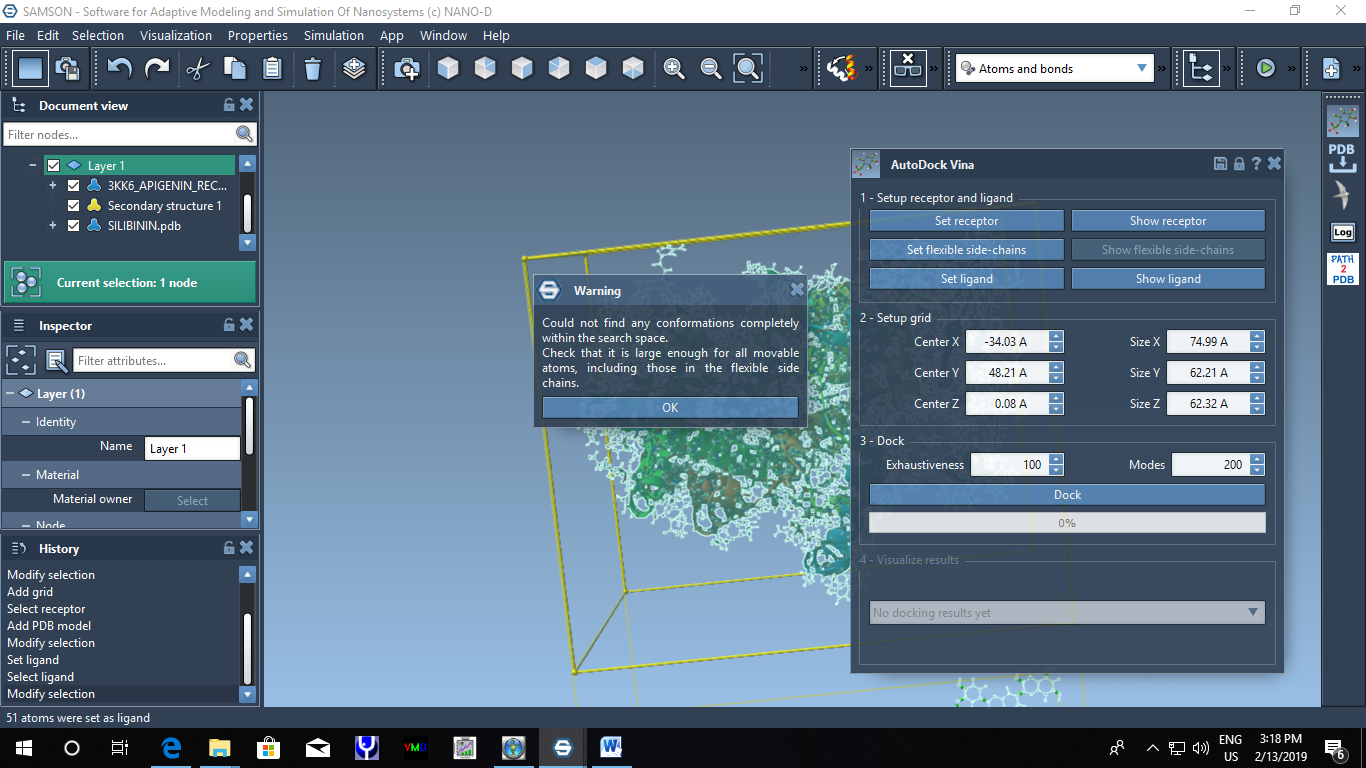
    Thanks a lot. Now it is working in the advanced element of AutoDock (normal one I did not check) Thank you
  • ligand parameterization in gromacs

    3
    0 Votes
    3 Posts
    3k Views
    S
    Dear Stephane, Thanks for the link but I tried this too. I does not work all the time. But as I mentioned in YASARA structure, parameterization is a childs' play. How they do it is secret for me but it is kool. If there will be something like that in SAMSON too, it will be very easy to run complex simulation affectively.